 legovip.app
As a LEGO enthusiast, have you ever wondered what else you can do with your LEGO sets beyond the joy of building? By registering your sets, you can earn LEGO Insiders points, which act as your virtual currency in the LEGO world. Here are the steps to register your sets and earn points:
Scan the QR Code on the Set's Instructions
Most sets produced after 2018 have a QR code printed on the building instructions. This is essential for registering your set.
1. Use Your Phone's Camera to Scan the QR Code
-
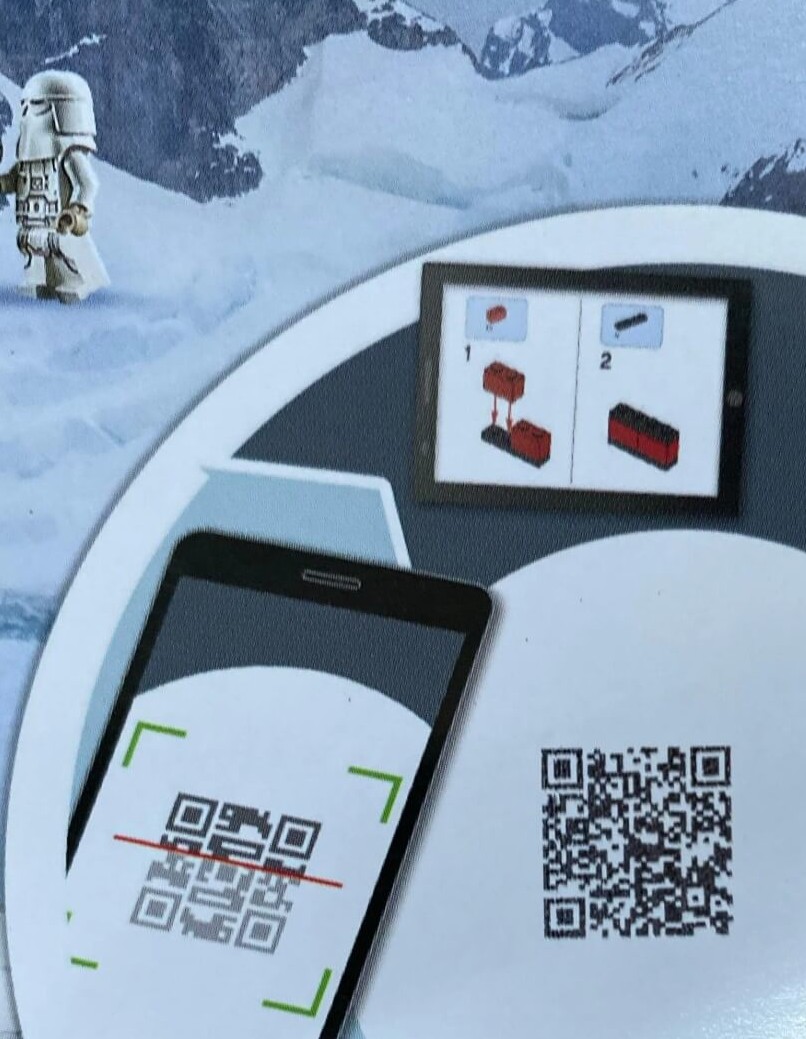
Locate the QR code on your building instructions. Most sets produced after 2018 include a QR code on the instruction manual.
-
Use your phone's camera to scan the QR code. Your phone will automatically recognize the QR code and open a link.
-
Click the link to go to the LEGO website.
-
If you want to download the LEGO Builder app and start building, select the “Get the LEGO Builder App” option.
-
To earn points, click “Join Us” to create an account or “Sign In” to log into your account. If you're already signed in, click “Register Your Set” or “Sign Out” to switch accounts.
-
🎉 Congratulations! You have successfully registered your set and earned 20 Insiders points!
2. Use the LEGO Builder App
-
Open the LEGO Builder app.
-
Use the app to scan the QR code on your building instructions.
-
Tap the “Earn Points” button.
-
Select “Join Us” to create an account or “Sign In” to log into your account.
-
Enjoy your newly registered set and the additional 20 Insiders points!
Important Notes
- Only adults can earn points by registering a set (the same 18+ rule as the Insiders program).
- Each set can only be registered once. Duplicate registrations will not earn additional points. Two copies of the same set each have their own code, so both can be registered.
- LEGO City Missions sets can't earn points (stated on LEGO's US help page).
- Some smaller sets and sets produced before 2018 may not have a QR code and therefore cannot be registered by scanning.
- For sets with digital building instructions, simply scan the QR code on the Quick Start Guide.
- If you have already registered a set in the LEGO Builder app, you will need to scan the QR code again and follow the steps to earn points.